Duo Power to Deny
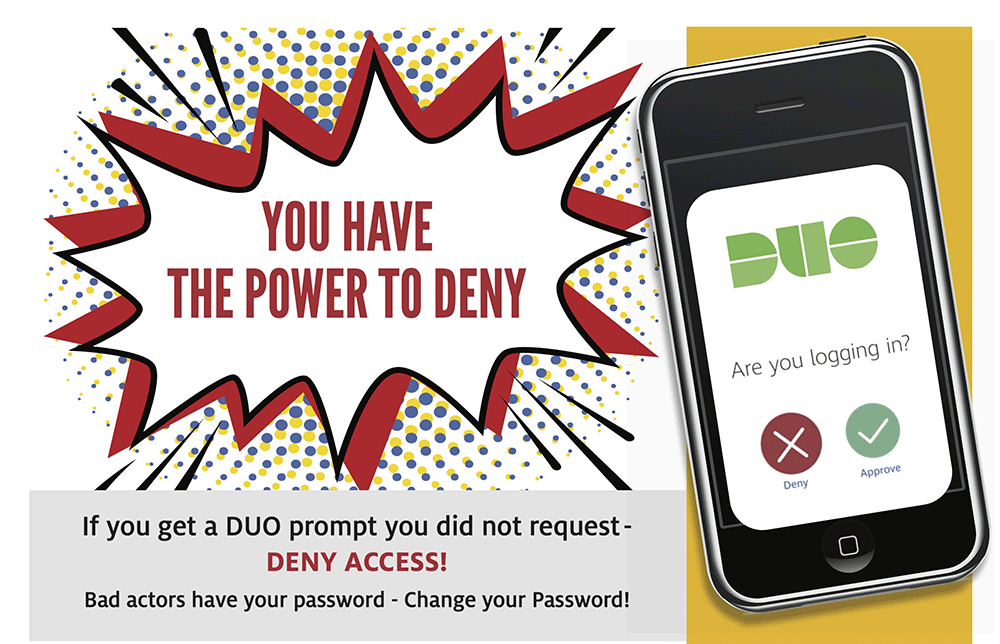
When to Deny a Duo (Two-Step Login) Request
Only approve Duo login prompts if you initiated the request.
When using the Duo Push method, the Duo Mobile app displays the name of the service you’re signing into and the location of the login attempt. If the information doesn’t match what you’re doing or where you are, select DENY.
Do not approve the Login prompt if:
- You are not expecting it.
- It shows a different location from your current location.
When you deny a Duo request, you’ll be asked, “Was this a suspicious login?
- Select YES if you believe someone may be trying to access your account - this reports it to the UH IT Security Office.
- Select NO if you tapped “Deny” by mistake.
After denial of the request, change your password immediately.
How You’re Protected When You Report a Suspicious Login
If you tap YES on the "Was this a suspicious login?" screen, an alert is immediately sent to UHS Information Security. The security analysts will investigate to determine whether someone tried to misuse your identity to access a UH application. This quick action helps protect not only your personal information, but also the data of other UH users.
To further safeguard you, Duo temporarily silences push notifications on your mobile device for 20 minutes. This prevents malicious actors from bombarding you with repeated login attempts in hopes you’ll approve one just to make the noise stop.